
General
General hardening settings are available for all Patchstack paid plan users.
Protection is available for WordPress sites only.
General hardening settings include WordPress behavior changes and server-file rules. They can be enabled independently of the PHP firewall. See how hardening and security headers work.
To manage your site’s hardening settings, navigate to Sites > yourdomain.com > Hardening in Patchstack App.
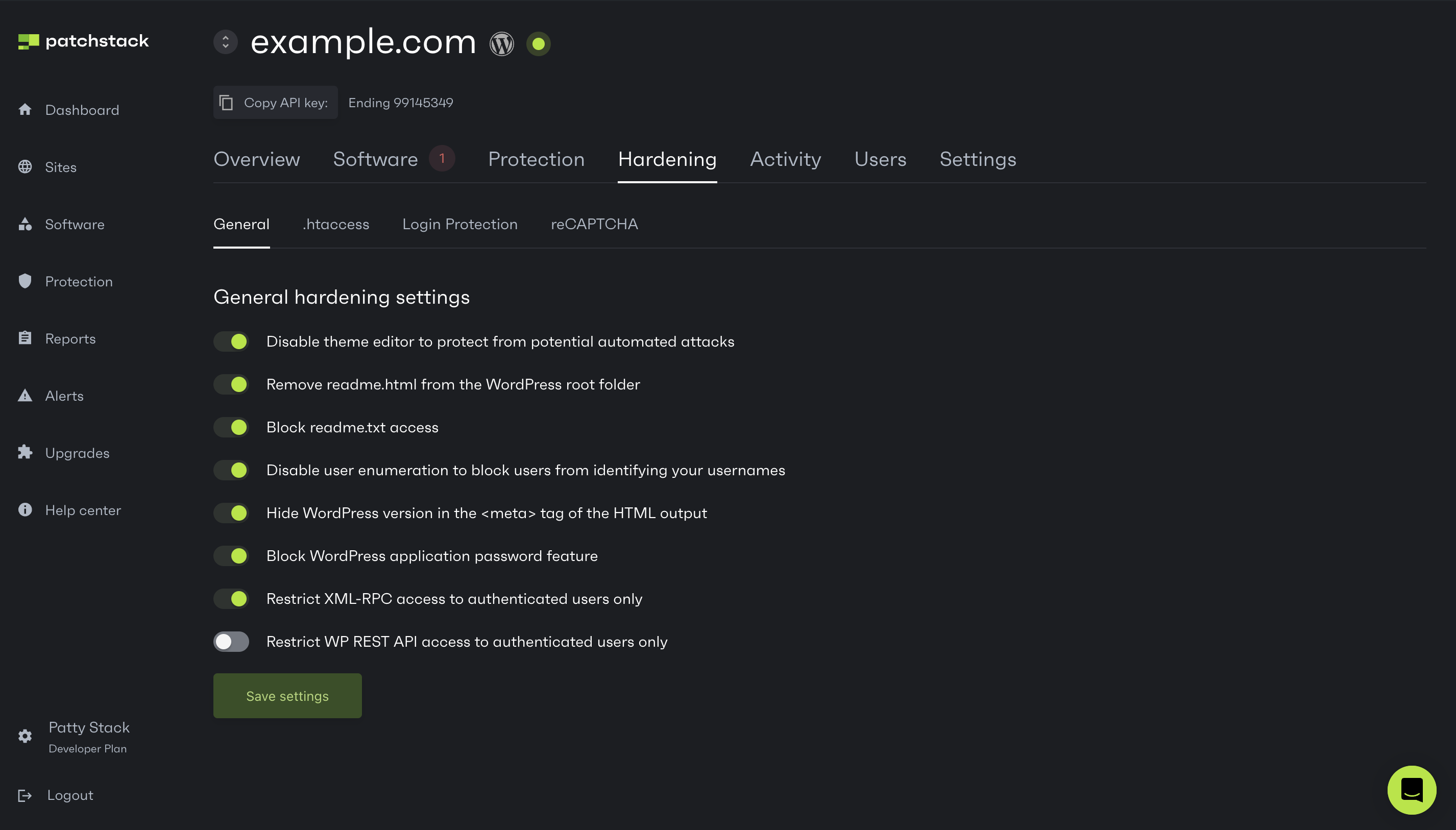
On this page you can manage the following hardening settings:
- Disable the theme editor - disables both the plugin and theme file editors in WordPress
- Remove readme.html from the WordPress root folder - this will attempt to stop basic readme.html scans by bots or visitors
- Block readme.txt access
- Disable user enumeration - restricts anonymous author-ID requests, the REST users routes and the users sitemap; authenticated requests still follow WordPress permissions
- Hide WordPress version - this feature removes the WordPress version in the <meta> tag in the HTML output
- Block WordPress application password feature - this feature disables the application passwords feature introduced in WordPress 5.6
- Restrict XML-RPC Access - disables WordPress XML-RPC methods, including password-authenticated methods and anonymous pingbacks. Methods registered by another plugin may remain available
- Restrict WP REST API Access - restricts anonymous REST requests, with an exception for Contact Form 7 routes. It does not grant additional permissions to authenticated users